

Translations
Manage translations for your device templates. Add languages and provide translated content for your devices.
CORE lets you manage translations for your device templates. This section allows you to add languages and provide translated content for your devices.
Accessing the Translations Section
Open the Device Template section from the main navigation menu. Then, select the Translations tab.
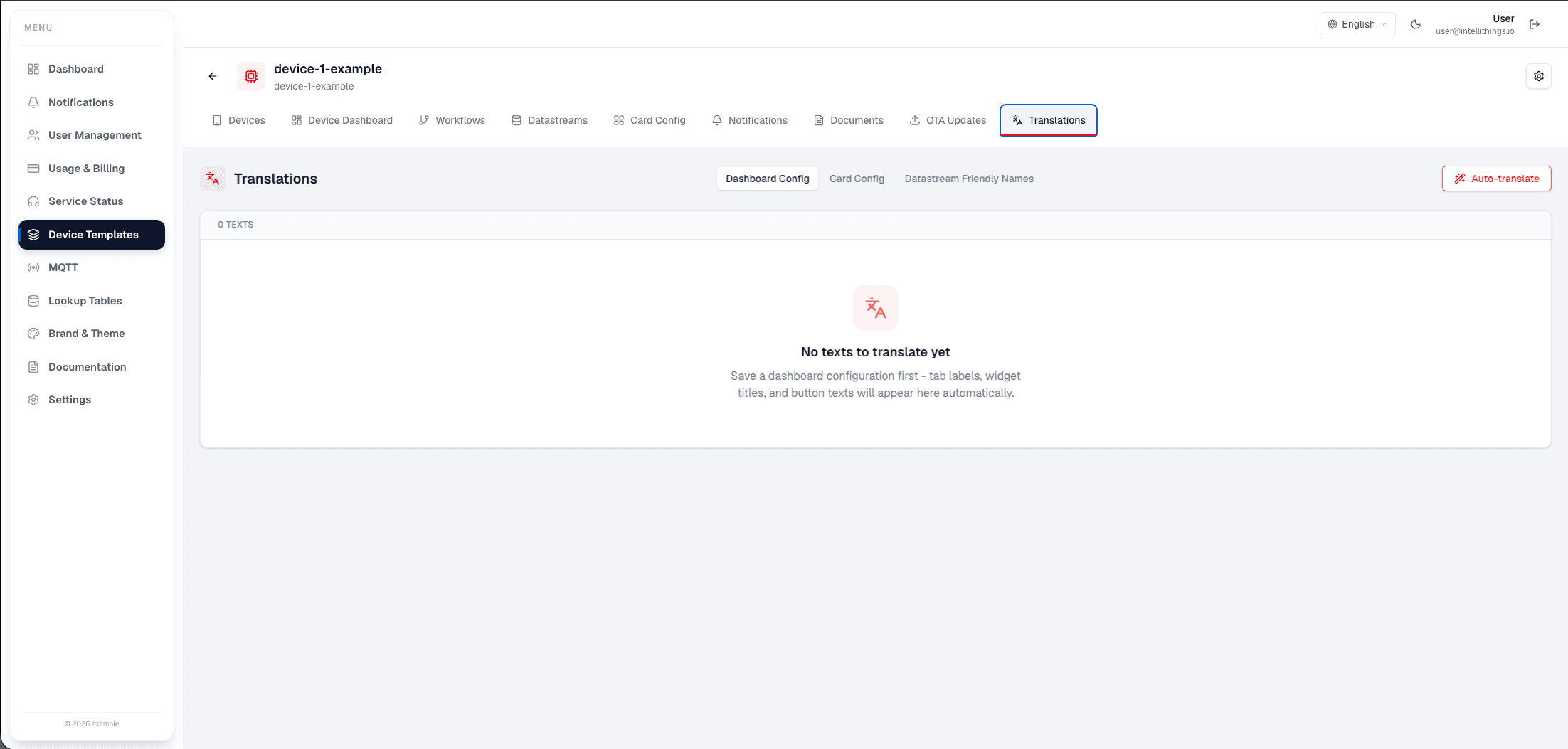
You see the Translations section. At this point, no languages are added yet.
Step 1: Add a Language
Click the Add language button to begin adding a language for translation.
Click Add language to choose another language, then enter translated labels and text for the fields shown in the template.
After adding a language, you can enter translated text for various fields in your device template.