

Device Template
Manage and configure templates for each device type. Define how devices behave and what data they send.
CORE lets you manage and configure templates for each device type. These templates define how devices behave and what data they send.
Access Device Templates
- Open the CORE dashboard.
- In the navigation menu, click Device Templates.
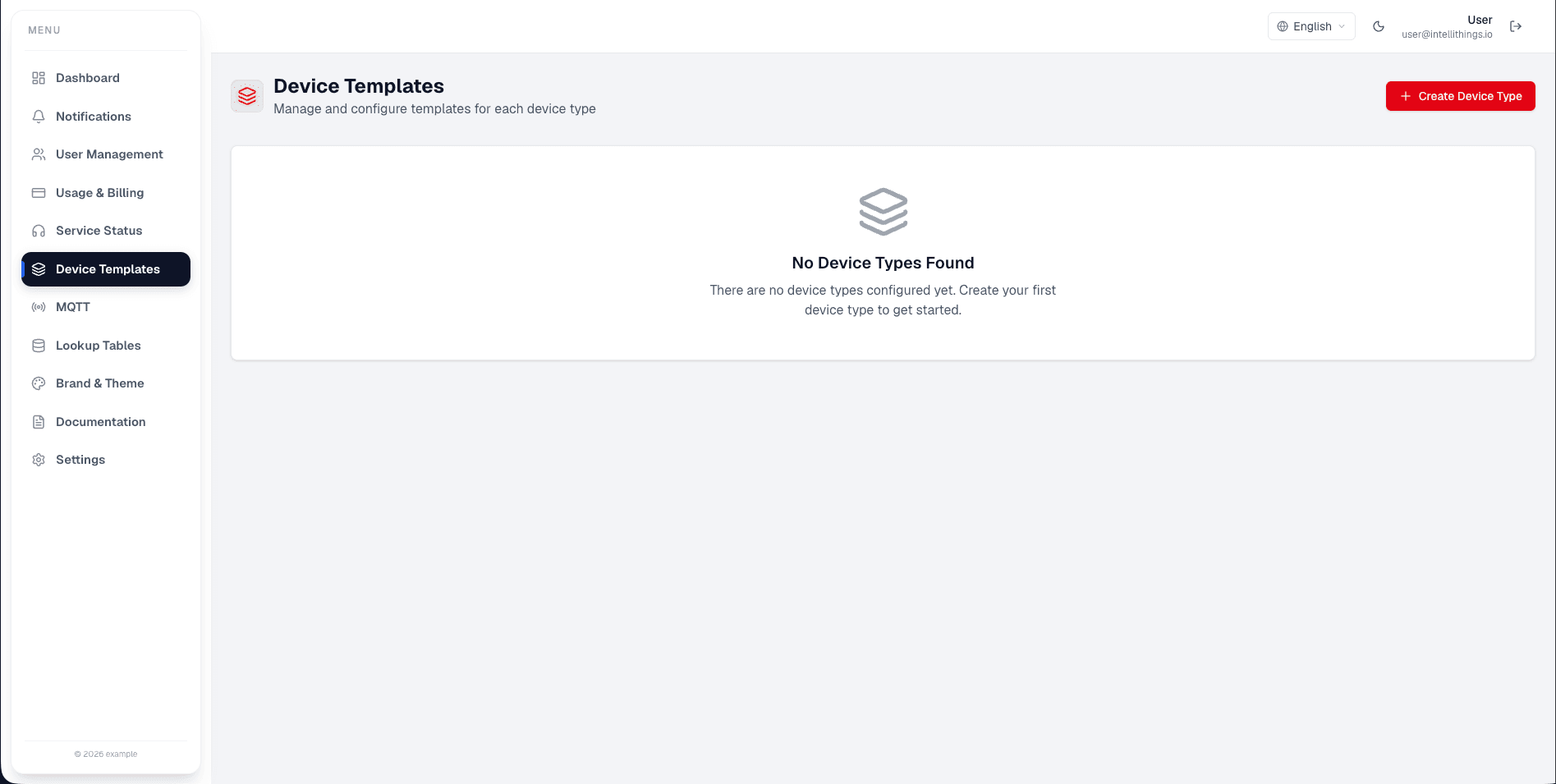
On this screen, you can see a list of device types. To add a new device type, click Create Device Type.
Create a Device Type
- Click Create Device Type.
- Enter a name for the device type in the input field.
- Save your changes.
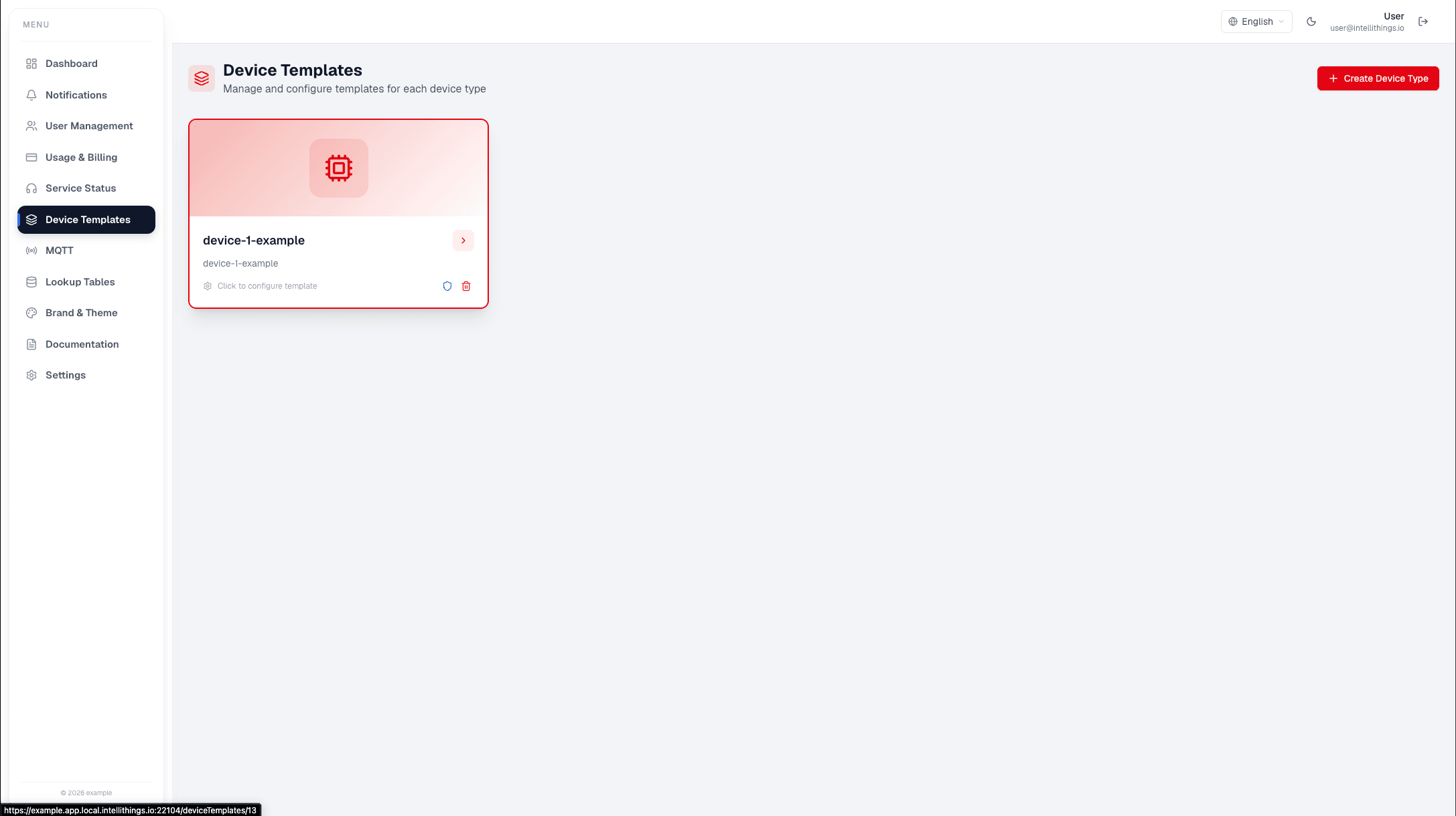
CORE saves your device type and displays it in the list.
After creating a device template, continue by adding datastreams, devices, dashboard widgets, translations, and workflows as needed.