

Datastream Change
Configure a datastream change trigger to start workflows when a datastream value changes.
The Datastream Change trigger starts a workflow when a specific datastream receives a new value. This is one of the most commonly used triggers for device data automation.
Overview
The Datastream Change trigger monitors one or more datastreams and initiates workflow execution whenever new data arrives.
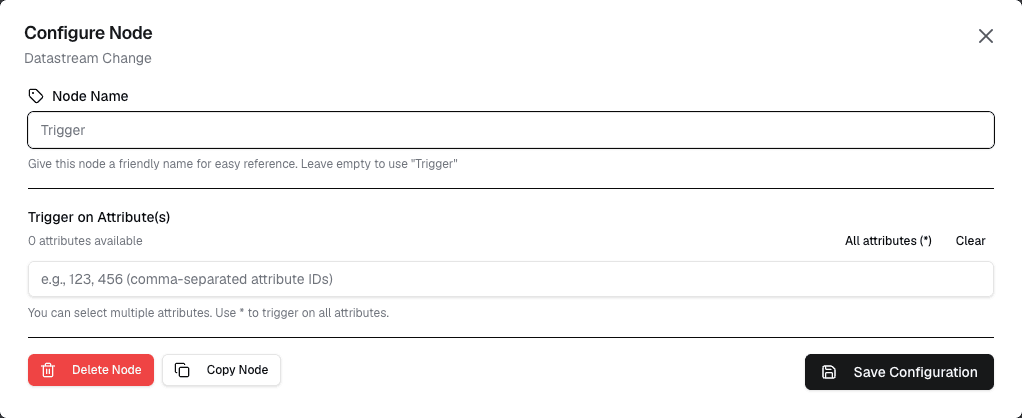
How It Works
- Select the datastream(s) to monitor
- Configure any conditions or filters
- When the datastream receives new data, the workflow starts
- The new value is passed to the workflow for processing
Configuration
| Setting | Description |
|---|---|
| Datastream | Select the datastream to monitor |
| Condition | Optional condition to filter triggers (e.g., value > 30) |
| Multiple values | Choose whether to trigger on every value or only when it changes |
Use Cases
- Threshold alerts — Trigger when temperature exceeds a certain value
- Data processing — Process new sensor readings as they arrive
- Status monitoring — React to status changes from devices
- Data validation — Validate incoming data and flag anomalies
Example: Temperature Alert
Trigger: Datastream Change
  Datastream: "temperature"
  Condition: value > 30

→ Workflow sends notification
→ Workflow logs the event
→ Workflow updates external system
Tips
- Use conditions to avoid unnecessary workflow executions
- Monitor only the datastreams you actually need
- Combine with logic nodes for complex filtering
Next Steps
Connect the Datastream Change trigger to action nodes (like Notification or MQTT Publish) or data nodes (like Get History) to process the incoming data.